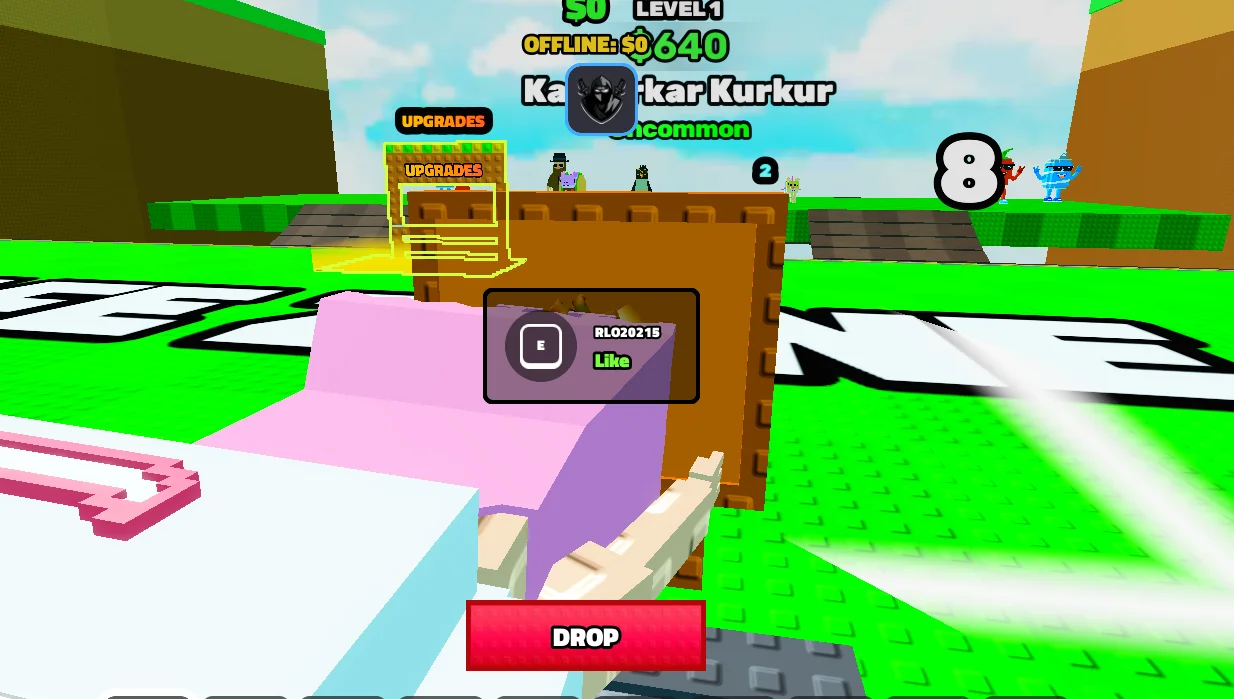
Rope Bridge for Brainrots Script [NO KEY, Auto Farm]
What is the Rope Bridge for Brainrots script? This is a free, keyless Roblox script for Rope Bridge for Brainrots. It includes Autofarm. The script runs from a single loadstring: copy the code below, paste it into a working executor on PC or mobile (Delta, Codex, Arceus X and similar), join Rope Bridge for Brainrots and press execute. There is no key step, so the GUI opens as soon as it runs. This page was last updated on 3 November 2026, and players can vote below on whether it still works. Test new scripts on an alt account, because any third-party script can get a Roblox account banned.
Want to level up faster in Rope Bridge for Brainrots? This is a keyless Roblox script that lets you use Auto Farm, so you can reach your goals in a fraction of the usual time.
About Rope Bridge for Brainrots
At its core, Rope Bridge for Brainrots is a tycoon game, created by HEY THATS MINE. You spend your time building up your base and expanding your income. Like most games of its kind, the grind comes from saving up for each new expansion, and the game has drawn more than 51.4 million visits.
What this script does in Rope Bridge for Brainrots
The automation in the script, led by Auto Farm, keeps Rope Bridge for Brainrots progressing even when you step away. It is a focused script, so the menu stays simple and quick to use.
How to Use the Rope Bridge for Brainrots Script
Step 1: Open Rope Bridge for Brainrots in Roblox.
Step 2: Launch your executor, such as Delta, Codex or Arceus X.
Step 3: Copy the script from this page and paste it into the executor.
Step 4: Press Execute, wait for the script menu to load, then turn on the features you want.
Script details
Key: Keyless
Status: Verified & Working
Executors: Delta, Codex, Arceus X
Last tested: March 14, 2026
Does the Rope Bridge for Brainrots script need a key?
No. This script is keyless and loads its menu instantly once executed.
local Players = game:GetService("Players")
local Workspace = game:GetService("Workspace")
local VIM = game:GetService("VirtualInputManager")
local player = Players.LocalPlayer
local BASE_POS = CFrame.new(41.60, -7.82, -23.04)
local function instantPrompts()
for _, v in pairs(Workspace:GetDescendants()) do
if v:IsA("ProximityPrompt") then
v.HoldDuration = 0
end
end
end
Workspace.DescendantAdded:Connect(function(d)
if d:IsA("ProximityPrompt") then
d.HoldDuration = 0
end
end)
local function spamE()
for i = 1, 3 do
VIM:SendKeyEvent(true, Enum.KeyCode.E, false, game)
task.wait(0.1)
VIM:SendKeyEvent(false, Enum.KeyCode.E, false, game)
task.wait(0.1)
end
end
task.spawn(function()
while true do
instantPrompts()
local char = player.Character or player.CharacterAdded:Wait()
local root = char:WaitForChild("HumanoidRootPart", 10)
if root then
local target = nil
for _, v in pairs(Workspace:GetDescendants()) do
if v:IsA("BasePart") and v.Name == "ServerHitbox" then
target = v
break
end
end
if target then
root.CFrame = target.CFrame + Vector3.new(0, 5, 0)
task.wait(0.5)
spamE()
task.wait(0.5)
root.CFrame = BASE_POS
task.wait(1)
end
end
task.wait(0.5)
end
end)
No reports yet. Tried it? Let other players know.
Yes. This script is keyless, so the features unlock as soon as you execute the loadstring. No key link or checkpoint is needed.
It is a standard loadstring script, so it should run on any working executor on PC, Android or iOS, such as Delta, Codex or Arceus X. If one executor fails to inject, try another one.
Open Rope Bridge for Brainrots in Roblox, launch your executor, paste the loadstring from this page, press execute and use the GUI to switch features on.
No third-party script is fully safe. Use an alt account, never paste your password or cookies anywhere, and stop using a script if the vote above shows it is patched.
Script copied! Rate it to help other players.
💡 Pro Tip: Press Ctrl+D to bookmark this page for updated scripts
Comments (0)
Log in to add a comment.