
GAG 2 Script WalkyHub [No Key] – Auto Farm, Auto Steal
25288 Views
Keyless
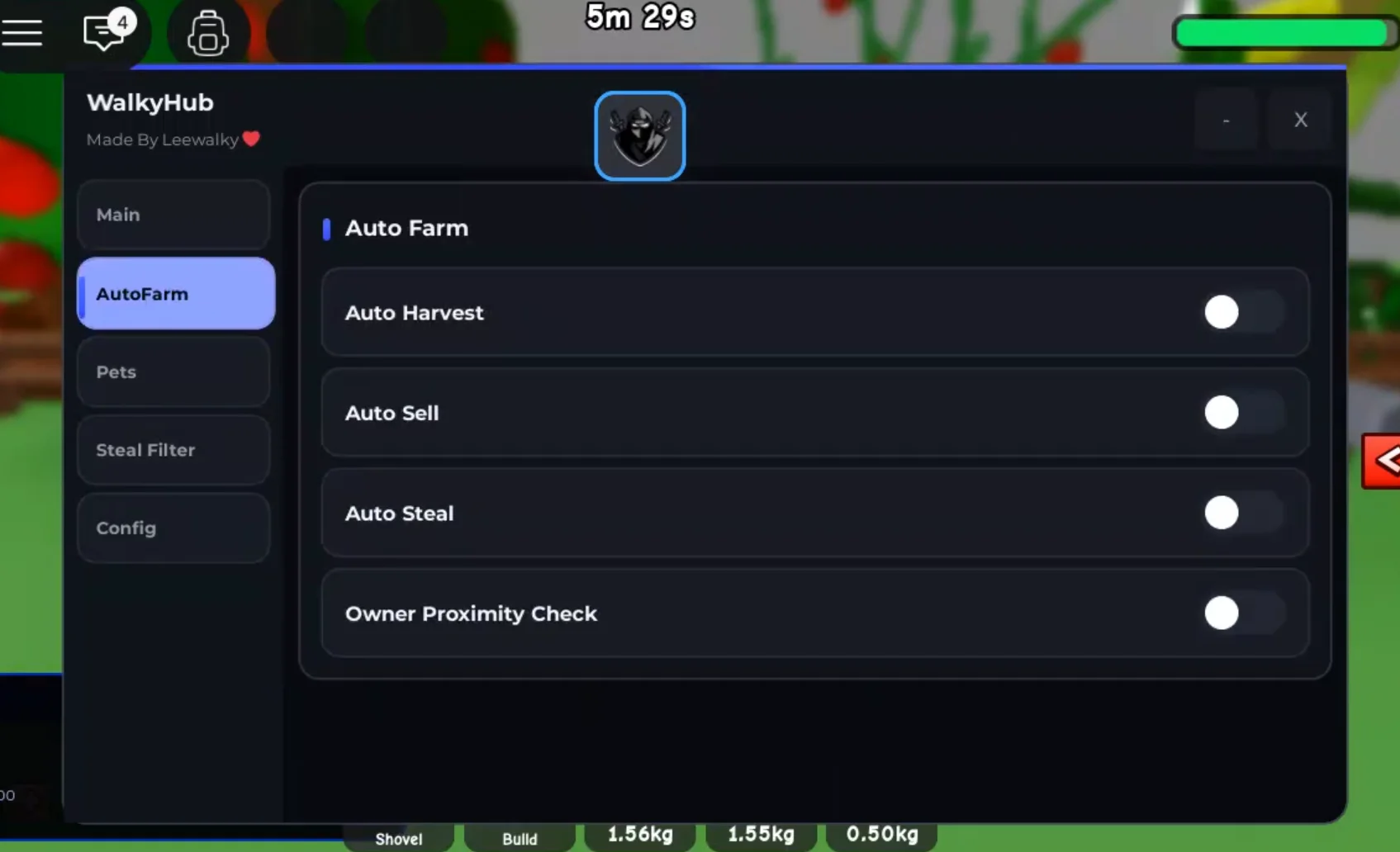
Looking for a script for GAG 2? WalkyHub is a keyless Roblox script made for it. It lets you use Auto Farm, Auto Steal and Auto Harvest, so you can skip the slow grind and focus on the fun parts.
About GAG 2
GAG 2 plays like a tycoon game, created by Strawberreh Squad. A typical session means placing upgrades and growing your empire. Progress brings a steady stream of crops and seeds. What takes the longest is saving up for each new expansion. The game has more than 1.7 billion visits so far.
What WalkyHub does in GAG 2
Auto Farm and Auto Steal run the core GAG 2 loop automatically, which saves a lot of clicking. Extras such as Owner Proximity Check and Gold are included too.
How to Use the GAG 2 Script
Step 1: Open GAG 2 in Roblox.
Step 2: Launch your executor, such as Delta, Codex or Arceus X.
Step 3: Copy the script from this page and paste it into the executor.
Step 4: Press Execute, wait for the WalkyHub menu to load, then turn on the features you want.
Script details
Hub: WalkyHub
Key: Keyless
Status: Verified & Working
Executors: Delta, Codex, Arceus X
Last tested: June 15, 2026
Does the GAG 2 script need a key?
No key is needed. WalkyHub runs straight after you execute it, so there are no links or checkpoints to complete.
No reports yet. Tried it? Let other players know.
Script copied! Rate it to help other players.
💡 Pro Tip: Press Ctrl+D to bookmark this page for updated scripts

Check out GAG 2 Script WalkyHub [No Key] – Auto Farm, Auto Steal on Auto Farm Script
SHARE VIA
OR COPY LINK




Comments (0)
Log in to add a comment.