
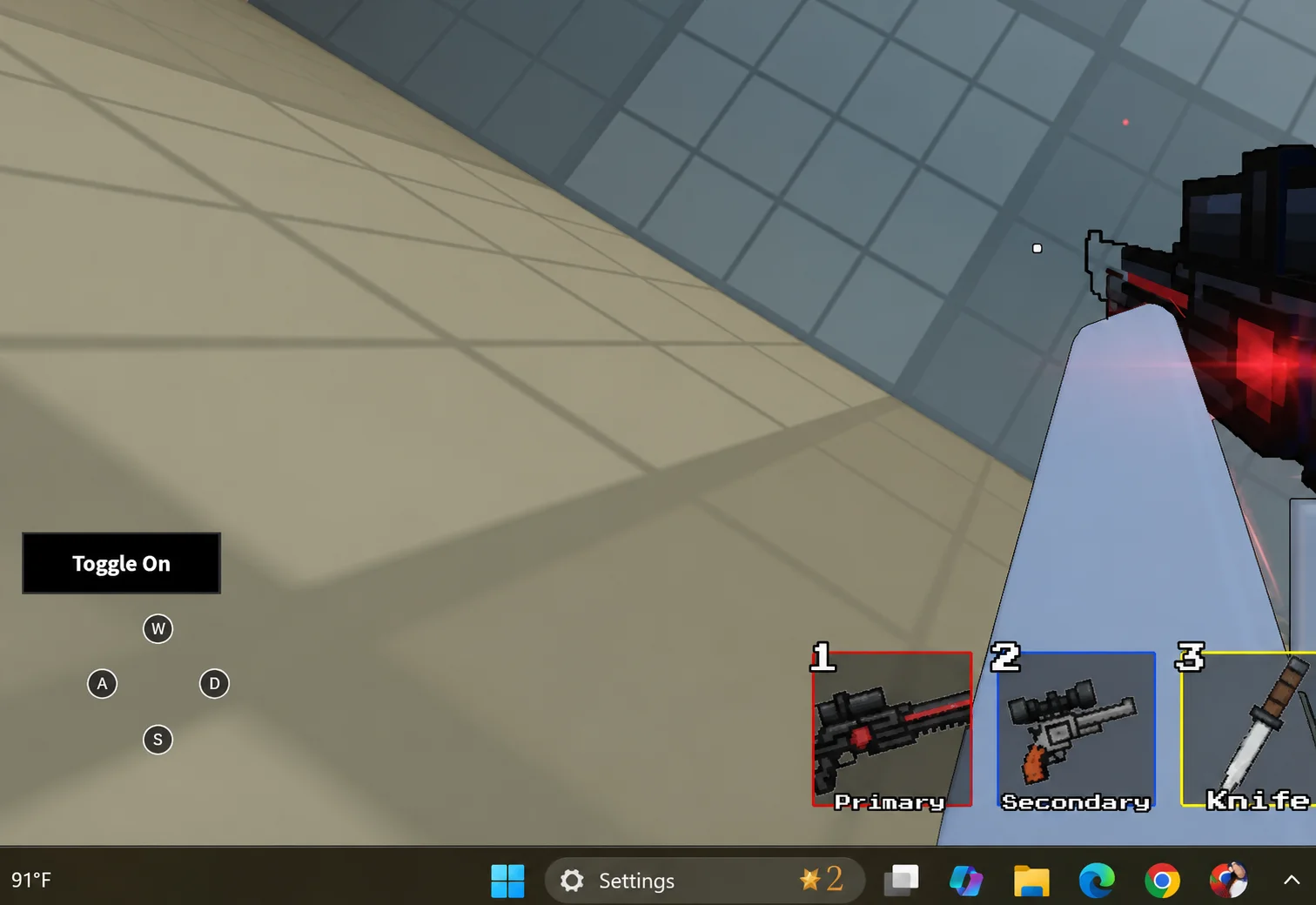
Freeze Gui Script Roblox Universal | Nooby | No Key, Anchor Freeze
25 Views
Keyless
Nooby Hub is the best script for all Roblox Games!! You can now unlock all the features like Draggable GUI, Anchor Root and Unanchor All etc.
local Players = game:GetService("Players")
local UserInputService = game:GetService("UserInputService")

local gui = Instance.new("ScreenGui")
local mainFrame = Instance.new("Frame")
local unanchorRoot = Instance.new("TextButton")
local unanchorAll = Instance.new("TextButton")
local anchorRoot = Instance.new("TextButton")
local anchorAll = Instance.new("TextButton")


gui.Name = "UnanchorGUI"
gui.ResetOnSpawn = false
gui.Parent = Players.LocalPlayer:WaitForChild("PlayerGui")

mainFrame.Name = "MainFrame"
mainFrame.Size = UDim2.new(0, 200, 0, 180) -- Increased height for new buttons
mainFrame.Position = UDim2.new(0.5, -100, 0.1, 0)
mainFrame.BackgroundColor3 = Color3.fromRGB(45, 45, 45)
mainFrame.BorderSizePixel = 2
mainFrame.Active = true
mainFrame.Draggable = false
mainFrame.Parent = gui

unanchorRoot.Name = "UnanchorRoot"
unanchorRoot.Size = UDim2.new(0.9, 0, 0.2, 0)
unanchorRoot.Position = UDim2.new(0.05, 0, 0.05, 0)
unanchorRoot.BackgroundColor3 = Color3.fromRGB(255, 100, 100)
unanchorRoot.Text = "Unanchor Root"
unanchorRoot.TextColor3 = Color3.fromRGB(255, 255, 255)
unanchorRoot.Parent = mainFrame

unanchorAll.Name = "UnanchorAll"
unanchorAll.Size = UDim2.new(0.9, 0, 0.2, 0)
unanchorAll.Position = UDim2.new(0.05, 0, 0.3, 0)
unanchorAll.BackgroundColor3 = Color3.fromRGB(100, 255, 100)
unanchorAll.Text = "Unanchor All"
unanchorAll.TextColor3 = Color3.fromRGB(255, 255, 255)
unanchorAll.Parent = mainFrame


anchorRoot.Name = "AnchorRoot"
anchorRoot.Size = UDim2.new(0.9, 0, 0.2, 0)
anchorRoot.Position = UDim2.new(0.05, 0, 0.55, 0)
anchorRoot.BackgroundColor3 = Color3.fromRGB(100, 100, 255)
anchorRoot.Text = "Anchor Root"
anchorRoot.TextColor3 = Color3.fromRGB(255, 255, 255)
anchorRoot.Parent = mainFrame

anchorAll.Name = "AnchorAll"
anchorAll.Size = UDim2.new(0.9, 0, 0.2, 0)
anchorAll.Position = UDim2.new(0.05, 0, 0.8, 0)
anchorAll.BackgroundColor3 = Color3.fromRGB(255, 150, 50)
anchorAll.Text = "Anchor All"
anchorAll.TextColor3 = Color3.fromRGB(255, 255, 255)
anchorAll.Parent = mainFrame

local dragging = false
local dragStart = nil
local startPos = nil

local function updateDrag(input)
    local delta = input.Position - dragStart
    mainFrame.Position = UDim2.new(
        startPos.X.Scale,
        startPos.X.Offset + delta.X,
        startPos.Y.Scale,
        startPos.Y.Offset + delta.Y
    )
end

mainFrame.InputBegan:Connect(function(input)
    if input.UserInputType == Enum.UserInputType.MouseButton1 then
        dragging = true
        dragStart = input.Position
        startPos = mainFrame.Position
    end
end)

UserInputService.InputChanged:Connect(function(input)
    if input.UserInputType == Enum.UserInputType.MouseMovement and dragging then
        updateDrag(input)
    end
end)

UserInputService.InputEnded:Connect(function(input)
    if input.UserInputType == Enum.UserInputType.MouseButton1 then
        dragging = false
    end
end)


local function unanchorRootPart()
    local character = Players.LocalPlayer.Character
    if character then
        local rootPart = character:FindFirstChild("HumanoidRootPart")
        if rootPart then
            rootPart.Anchored = false
        end
    end
end

local function unanchorAllParts()
    local character = Players.LocalPlayer.Character
    if character then
        for _, part in ipairs(character:GetDescendants()) do
            if part:IsA("BasePart") then
                part.Anchored = false
            end
        end
    end
end

local function anchorRootPart()
    local character = Players.LocalPlayer.Character
    if character then
        local rootPart = character:FindFirstChild("HumanoidRootPart")
        if rootPart then
            rootPart.Anchored = true
        end
    end
end

local function anchorAllParts()
    local character = Players.LocalPlayer.Character
    if character then
        for _, part in ipairs(character:GetDescendants()) do
            if part:IsA("BasePart") then
                part.Anchored = true
            end
        end
    end
end

unanchorRoot.MouseButton1Click:Connect(unanchorRootPart)
unanchorAll.MouseButton1Click:Connect(unanchorAllParts)
anchorRoot.MouseButton1Click:Connect(anchorRootPart)
anchorAll.MouseButton1Click:Connect(anchorAllParts)
Script copied! Rate it to help other players.
💡 Pro Tip: Press Ctrl+D to bookmark this page for updated scripts

Check out Freeze Gui Script Roblox Universal | Nooby | No Key, Anchor Freeze on Auto Farm Script
SHARE VIA
OR COPY LINK


Comments (0)
Log in to add a comment.